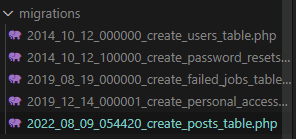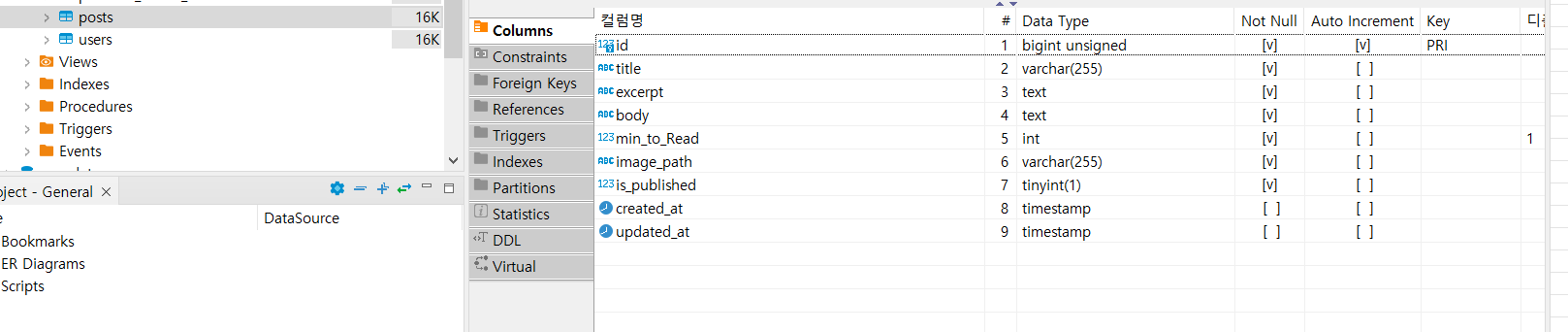
데이터가 많이 필요하다.
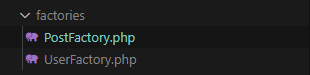
factory 기능을 사용해서 만들어보자
[명령어]
php artisan make:factory
[결과물]
<?php

namespace Database\Factories;

use Illuminate\Database\Eloquent\Factories\Factory;

/**
 * @extends \Illuminate\Database\Eloquent\Factories\Factory<\App\Models\Post>
 */
class PostFactory extends Factory
{
    /**
     * Define the model's default state.
     *
     * @return array<string, mixed>
     */
    public function definition()
    {
        return [
            //
        ];
    }
}
[작성]
db에 맞게 필드값과
내가원하는 자료 들을 설정할수있다
<?php

namespace Database\Factories;

use Illuminate\Database\Eloquent\Factories\Factory;

/**
 * @extends \Illuminate\Database\Eloquent\Factories\Factory<\App\Models\Post>
 */
class PostFactory extends Factory
{
    /**
     * Define the model's default state.
     *
     * @return array<string, mixed>
     */
    public function definition()
    {
         return [
            'title' => $this->faker->unique()->sentence(),
            'excerpt' => $this->faker->realText($maxNbChars = 50),
            'body' => $this->faker->text(),
            'image_path' => $this->faker->imageUrl(640, 480),
            'is_published' => 1,
            'min_to_read' => $this->faker->numberBetween(1, 10)
        ];
    }
}
seed 명령어를 치면 dataseeder 부터 동작하기 떄문에
코드를 더해준다.
Post 모델이 없다면 추가 해준다 명령어 : php artisan make:model Post
<?php

namespace Database\Seeders;

// use Illuminate\Database\Console\Seeds\WithoutModelEvents;

use App\Models\Post;
use Illuminate\Database\Seeder;

class DatabaseSeeder extends Seeder
{
    /**
     * Seed the application's database.
     *
     * @return void
     */
    public function run()
    {

        Post::factory(100)->create();
    }
}
작성후
[명령어]
php artisan db:seed를 넣으면 데이터가 100개 추가된다.
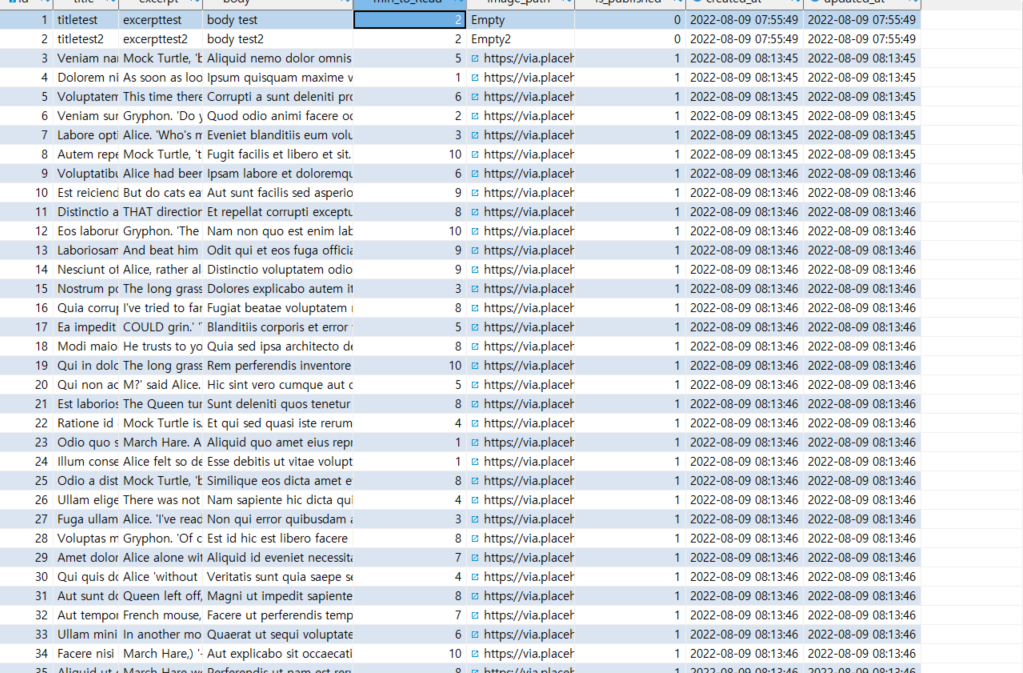
혹시 중간에 데이터가 맘에들지않아 오버라이딩을 해줄수도있다.
<?php

namespace Database\Seeders;

// use Illuminate\Database\Console\Seeds\WithoutModelEvents;

use App\Models\Post;
use Illuminate\Database\Seeder;

class DatabaseSeeder extends Seeder
{
    /**
     * Seed the application's database.
     *
     * @return void
     */
    public function run()
    {
        // \App\Models\User::factory(10)->create();

        // \App\Models\User::factory()->create([
        //     'name' => 'Test User',
        //     'email' => 'test@example.com',
        // ]);
        //$this->call(PostTableseeder::class);
        Post::factory(100)->create(
            [
                'body'=>'overriding body'
            ]

        );
    }
}
반응형
'이과 > laravel 자료' 카테고리의 다른 글
| [LARAVEL] 데이터 migration 명령어 (0) | 2022.08.17 |
|---|---|
| [Laravel] 페이지네이션 에러 (0) | 2022.08.17 |
| [LARAVEL] DB 에서 내가 원하는 정보 가져오기 (2) | 2022.08.15 |
| [LARAVEL] SEEDER 만들기 (2) | 2022.08.14 |
| [LARAVEL] 파라미터 활용 (0) | 2022.08.12 |